





Train
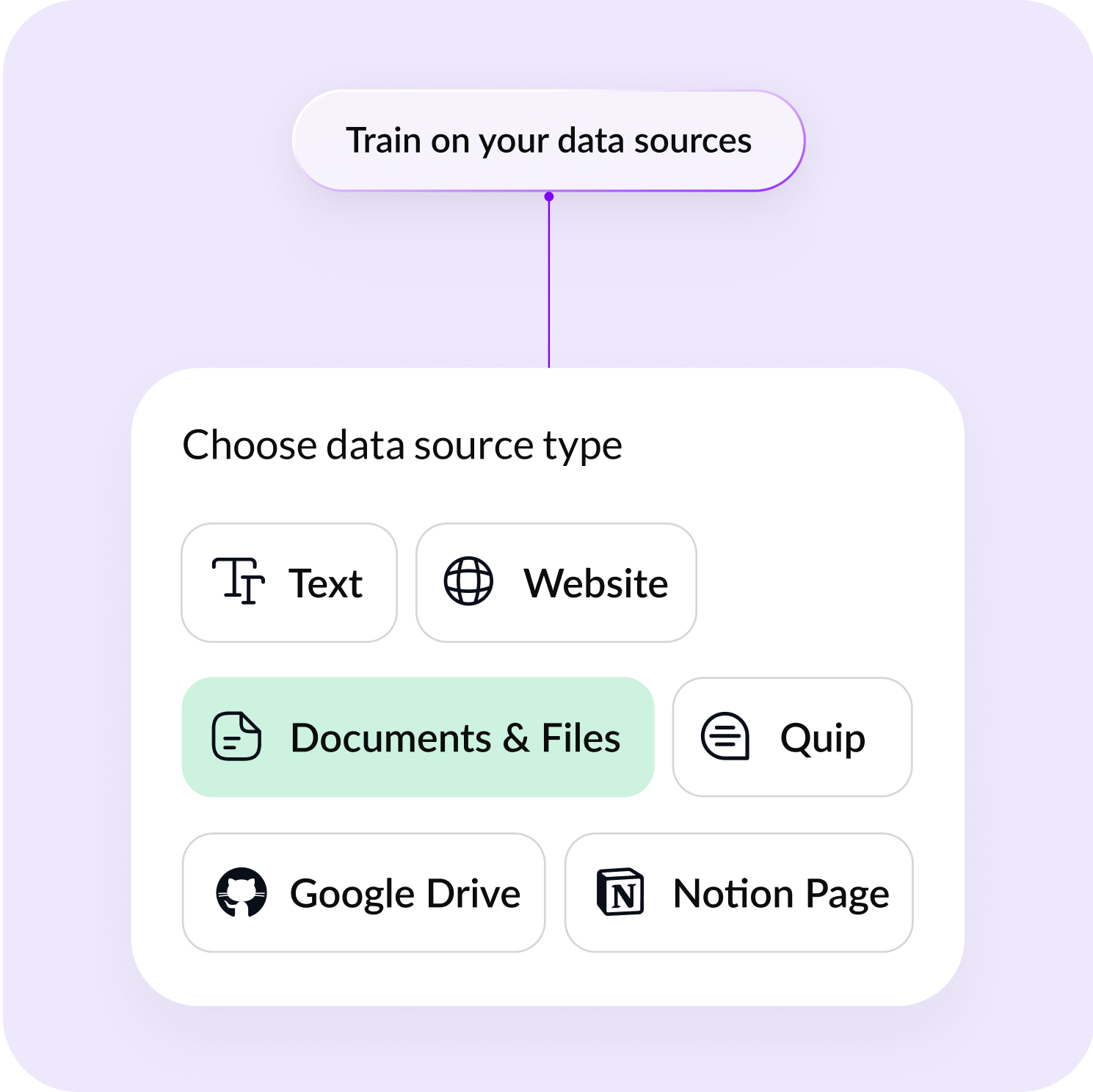
Upload FAQs and other docs to refine the agent
Create a WhatsApp bot that captures leads, handles support and automates the busy work
Trusted by 100+ global brands













Upload FAQs and other docs to refine the agent
Easily connect with WhatsApp Business API
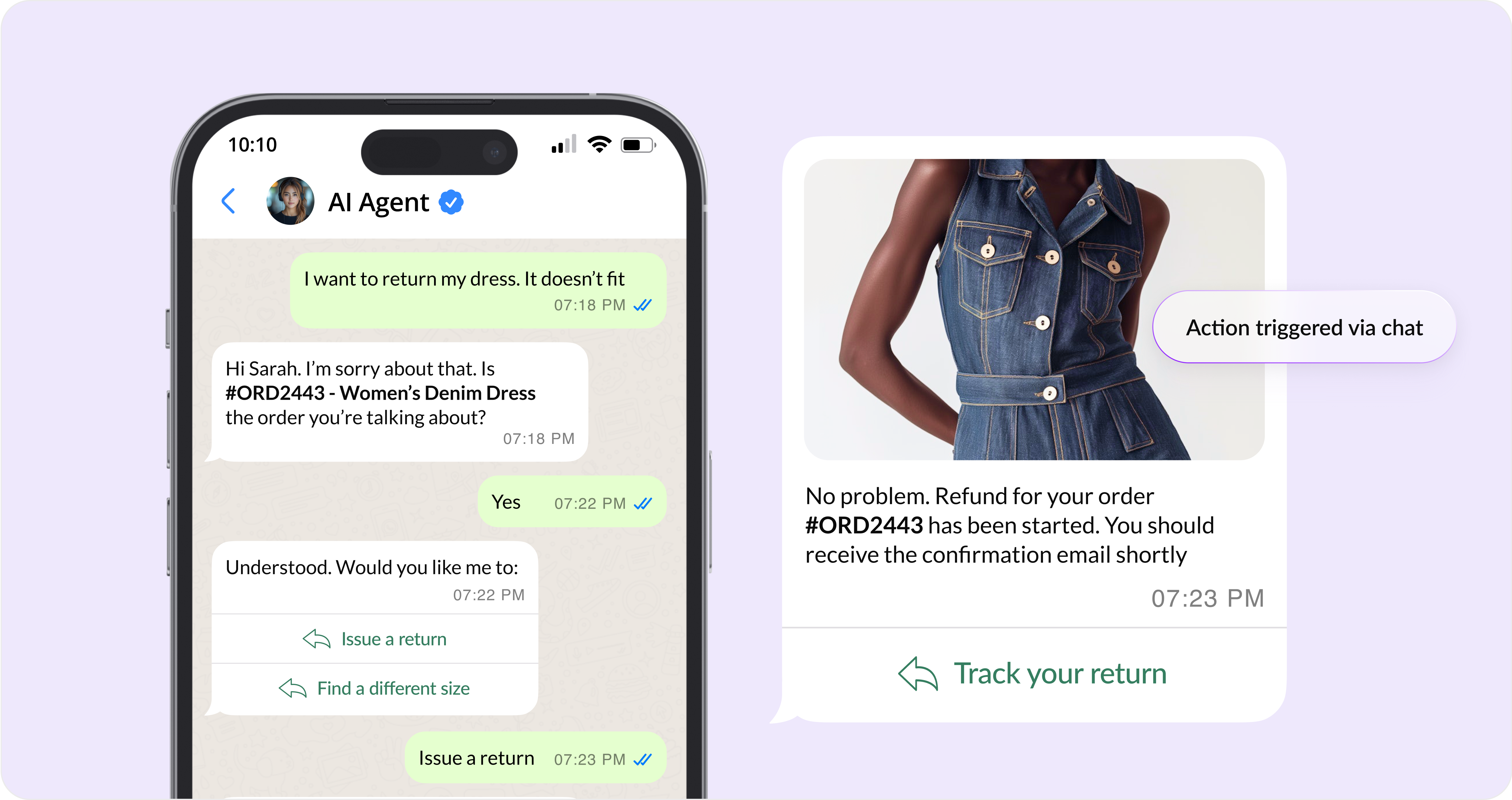
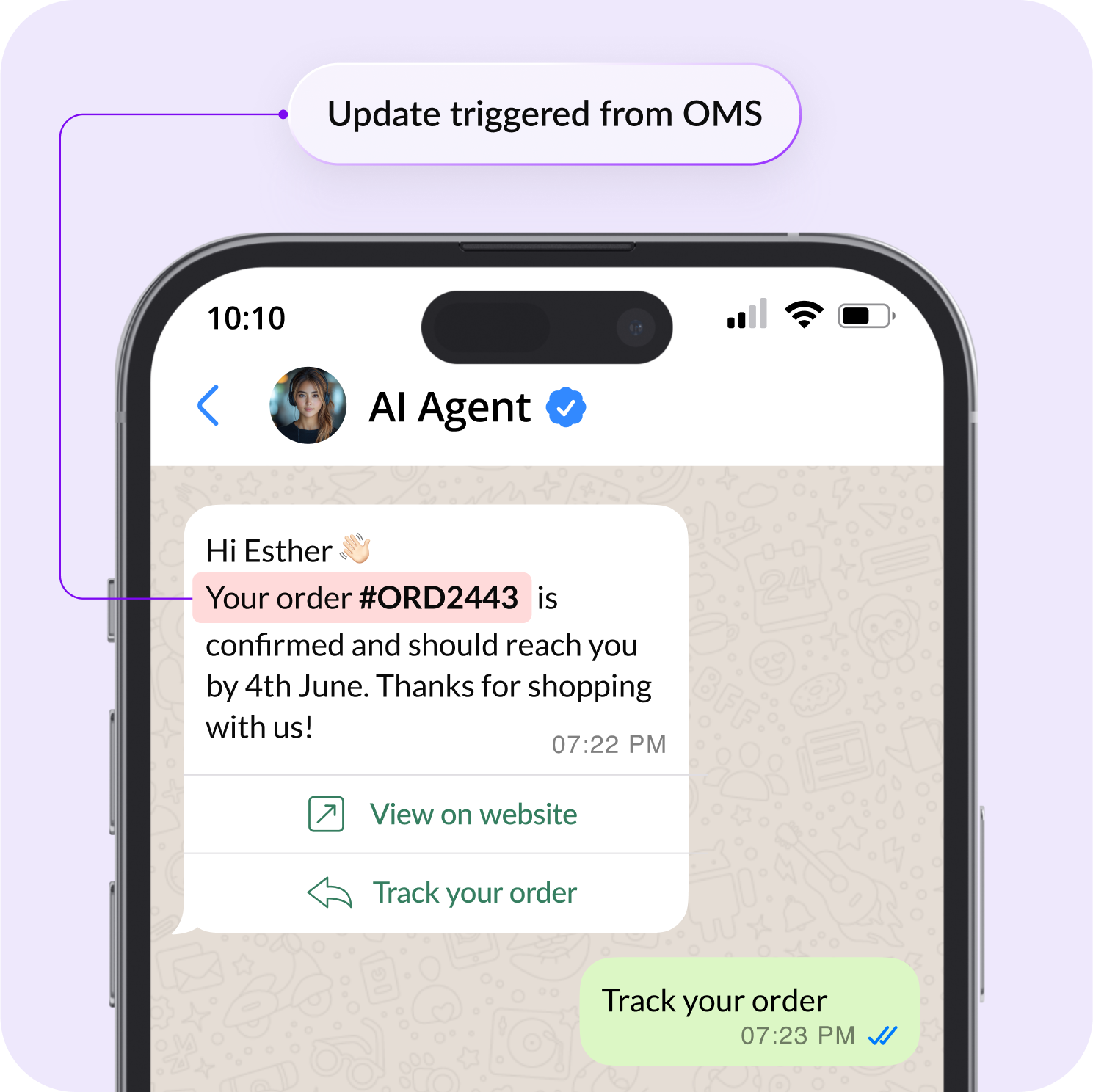
Send automatic updates via messages
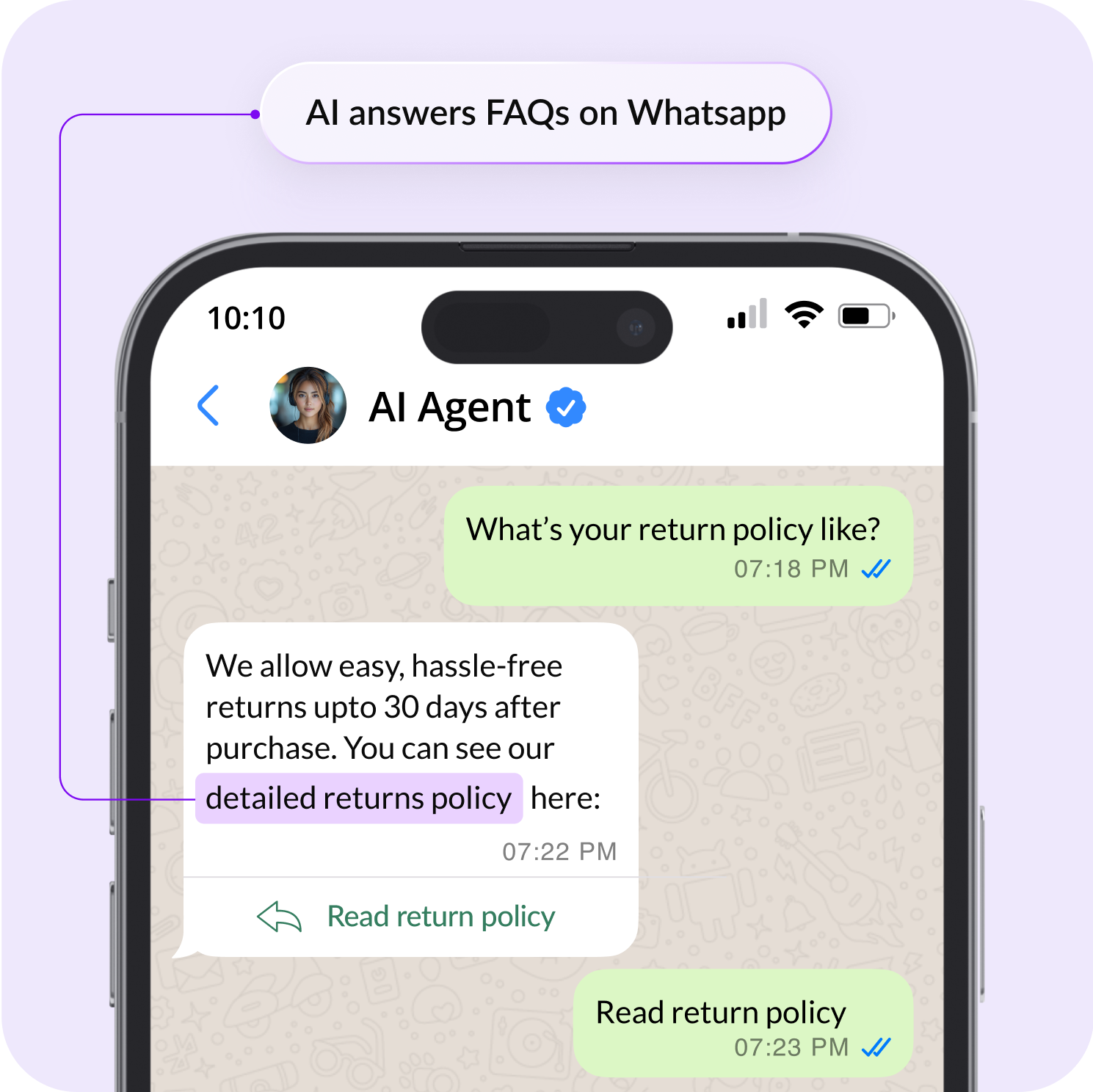
Share product links, sizes, and pricing in chat
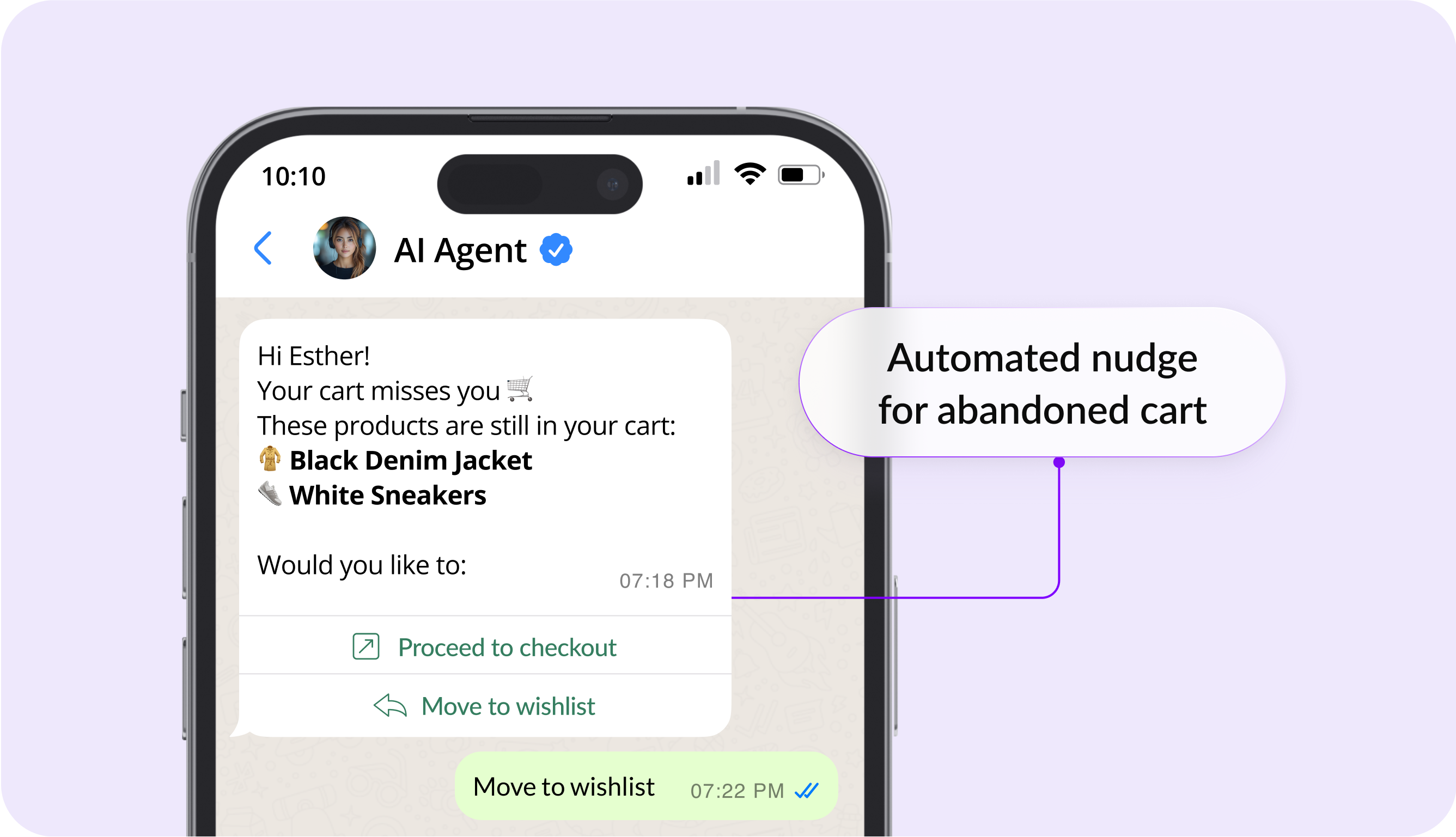
Auto-nudge users about abandoned carts and payments
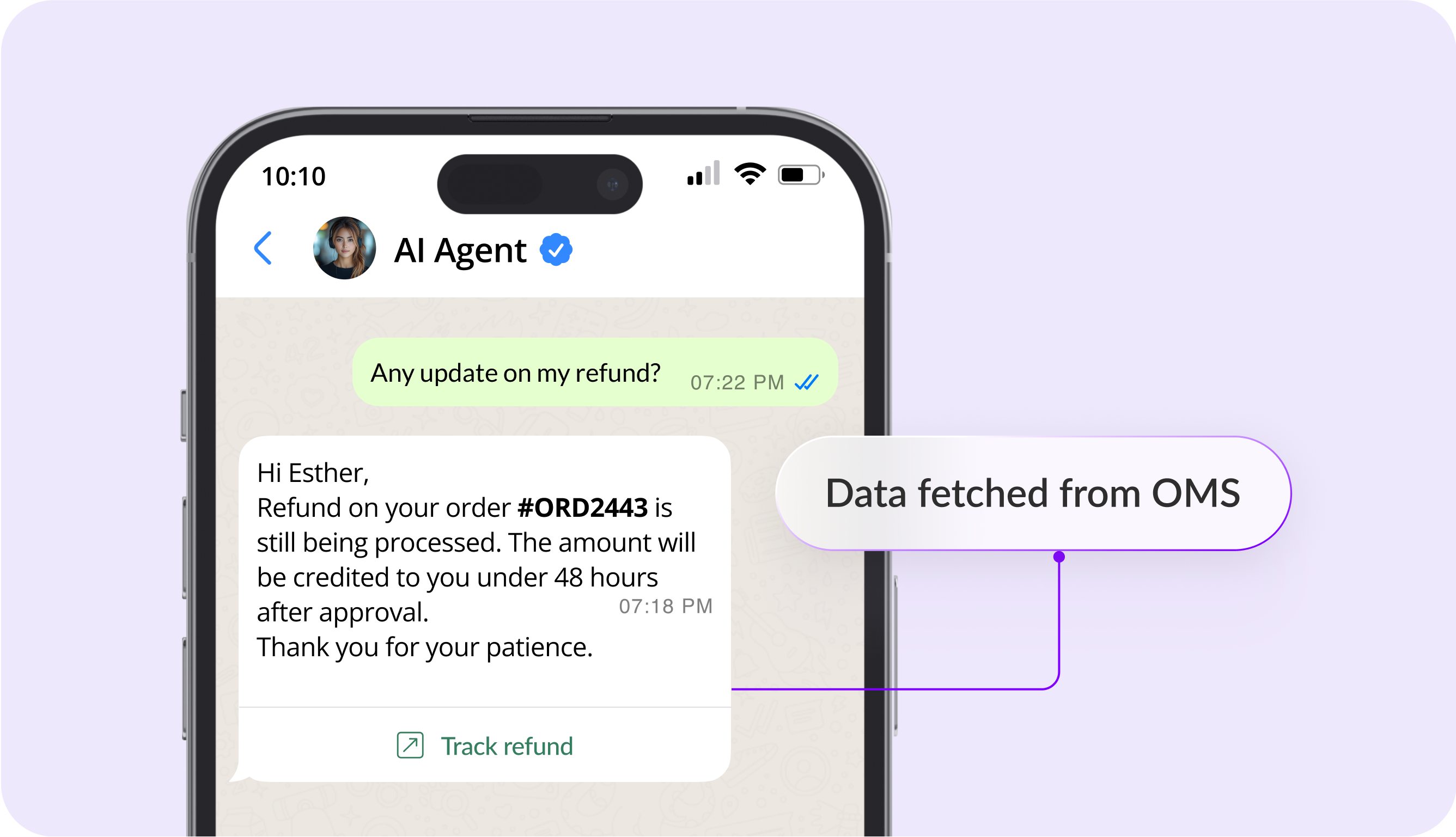
Automate order confirmations, delivery updates and offer notifications
Replicate all your common WhatsApp flows using AI
Choose from several pre-built AI agent templates
Set custom no-code workflows in minutes
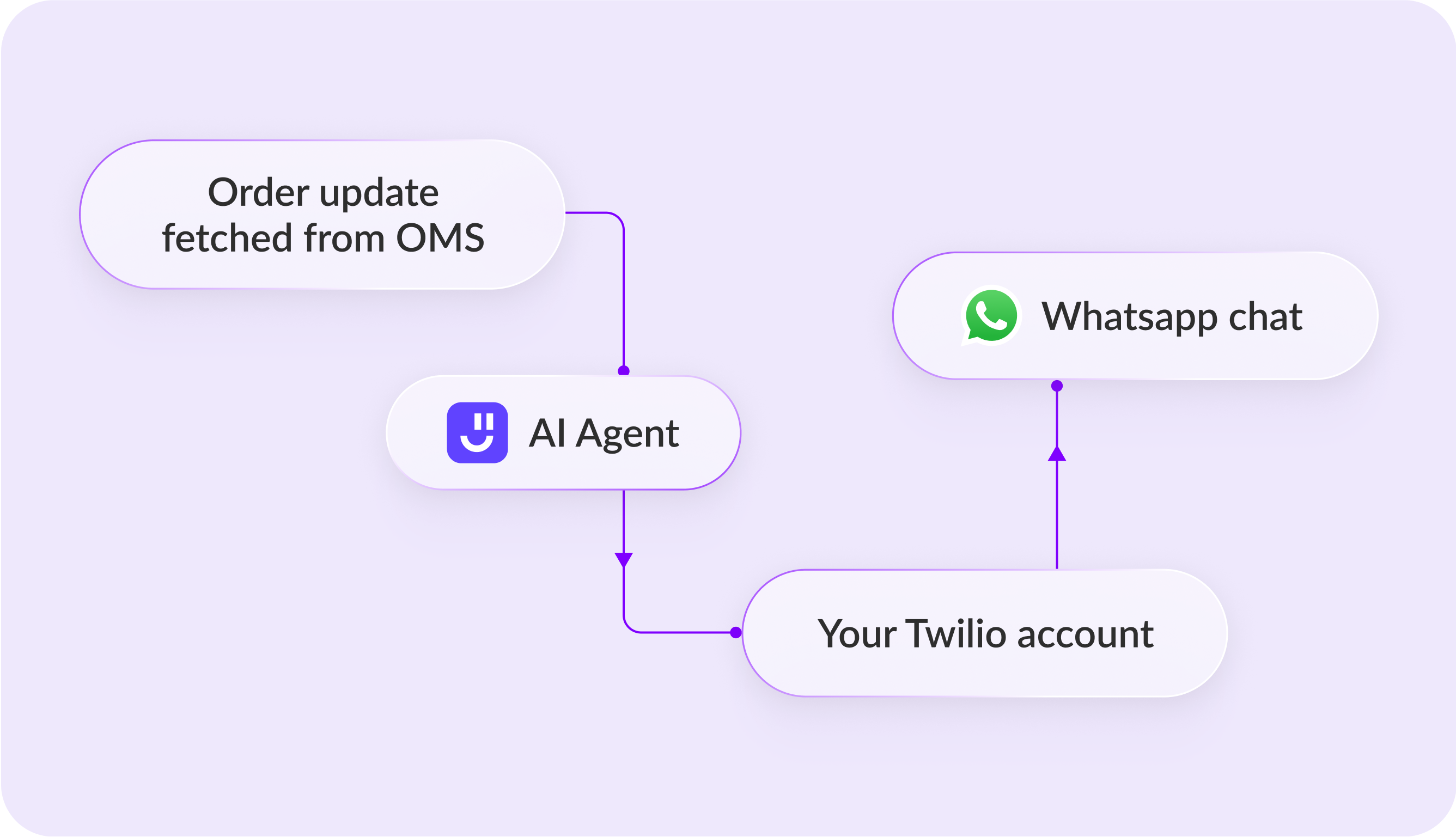
Use your Twilio account to instantly deploy on WhatsApp
Fetch order, payment and other data to WhatsApp on demand
Build a single AI backend for your WhatsApp by connecting to CRMs and other tools
Trigger in-app surveys to capture user sentiment
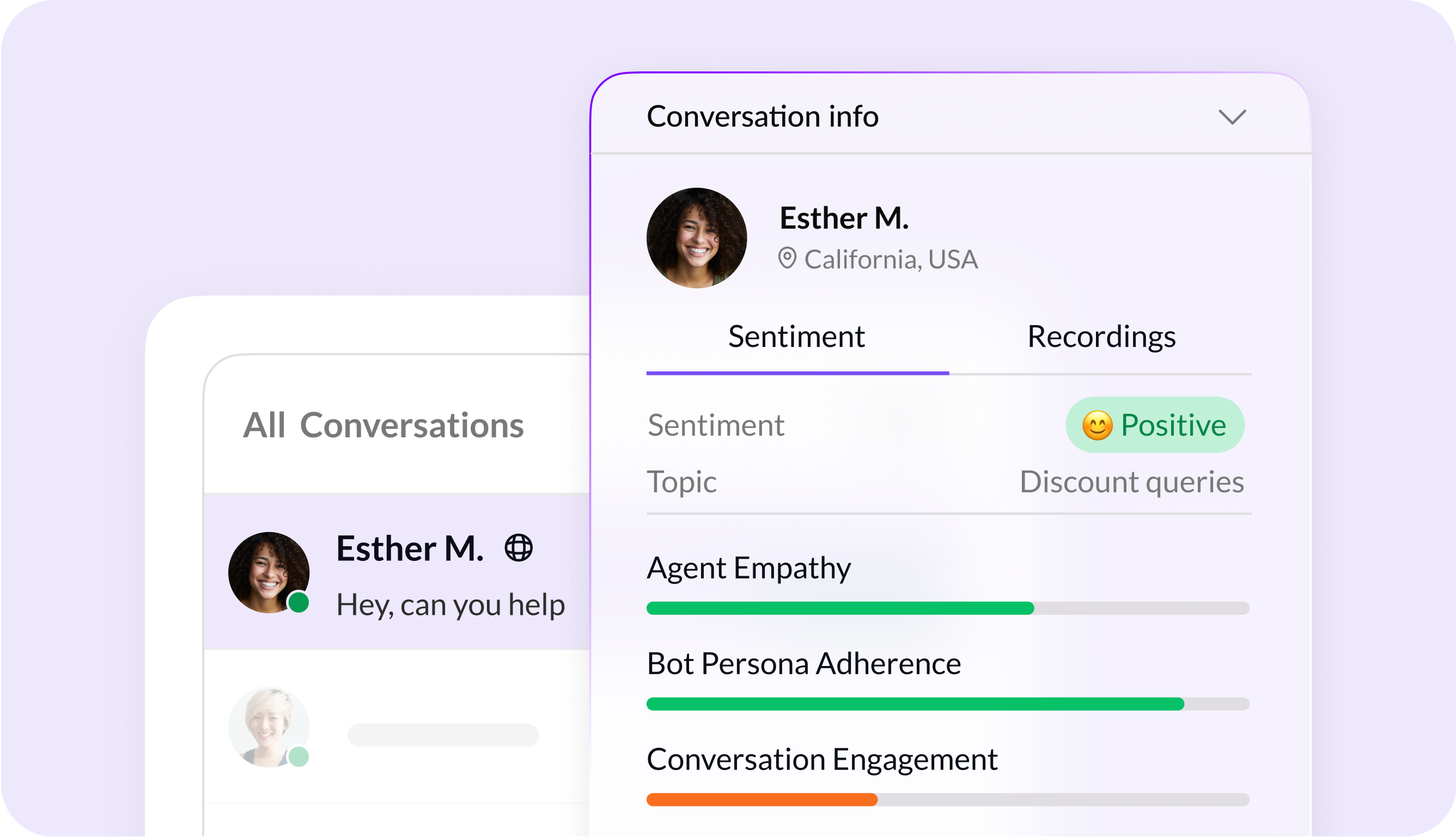
Get deeper user insights with AI sentiment analysis
Filter threads by user and query type
In-chat actions automated
Increase in WhatsApp conversations
Average response time

Answer all email queries and nurture conversations with AI

Create AI Agents for instant support and queries, right on your website

Power WhatsApp conversations at scale with personalized AI messaging

Get an empathetic, human-like voice assistant to answer service calls 24x7

Add native AI widgets to your iOS and Android apps

Automate tasks and conversations in your Slack channels with AI














You can reach out to us for queries via support@kaily.ai
or to share feedback, contact us
A WhatsApp chatbot is an automated assistant that can seamlessly reply to customer messages on WhatsApp, answer common questions, and trigger other useful AI actions for business, like lead capturing, booking, and status updates. You can train Fynd Kaily’s WhatsApp chatbot by uploading your brand FAQs and other relevant docs. Then connect WhatsApp Business API and set the right workflow for easy routing and automation.
Yes, Fynd Kaily works with WhatsApp Business API, and you can easily create your WhatsApp chatbot for customer service to scale sales and support.
Yes, you can. You can build a WhatsApp chatbot with no-code workflows using simple templates, trigger routing, and delegating to human teams.
Yes. Fynd Kaily’s WhatsApp chatbot can easily route chats to human agents across multiple deployment channels based on intent, priority, business hours, or specific user request. Agents can see the full context to understand the issue better and offer fast resolution.
Yes. You can automate a chatbot WhatsApp flow for abandoned cart nudges, payment reminders, order processing, confirmations, delivery updates, and refund status, while answering follow-up questions in the same chat.
Yes. You can connect your WhatsApp chatbot with CRMs and other business tools to personalize replies, log leads, create tickets, and route conversations.
Fynd Kaily’s WhatsApp AI chatbot uses your knowledge sources to generate accurate replies and follow workflows such as support triage, lead qualification, or order tracking. It can collect details, tag intent, and hand off the task to a human agent for complex cases.
For business-grade automation, yes. WhatsApp Business API is the standard way to run a WhatsApp bot reliably. If you already have API access, you can connect it and start setting up chatbot flows.
If your WhatsApp Business API number is ready, you can deploy a WhatsApp chatbot quickly by connecting the channel, choosing a template, and training it on FAQs and docs. If API onboarding is pending, the timeline depends on your provider and verification steps.
You can build WhatsApp bot workflows like FAQs, lead qualification, appointment booking, support triage, returns and refunds, order tracking, payment reminders, and escalation to agents.
A WhatsApp chatbot can respond to inbound messages and, where allowed, send notifications like order updates, appointment reminders, and payment follow-ups. Business-initiated messages may require approved templates under WhatsApp Business API rules.
Yes. Your WhatsApp bot can handle multilingual conversations, and you can route specific languages to the right agent team based on your configuration.


